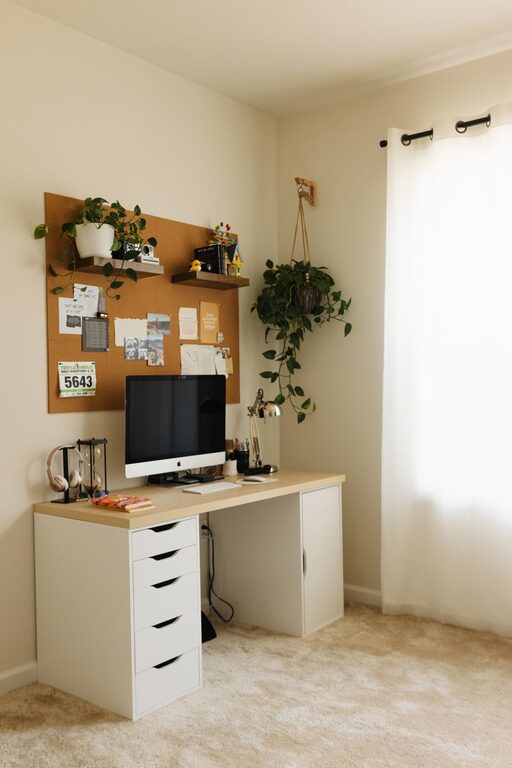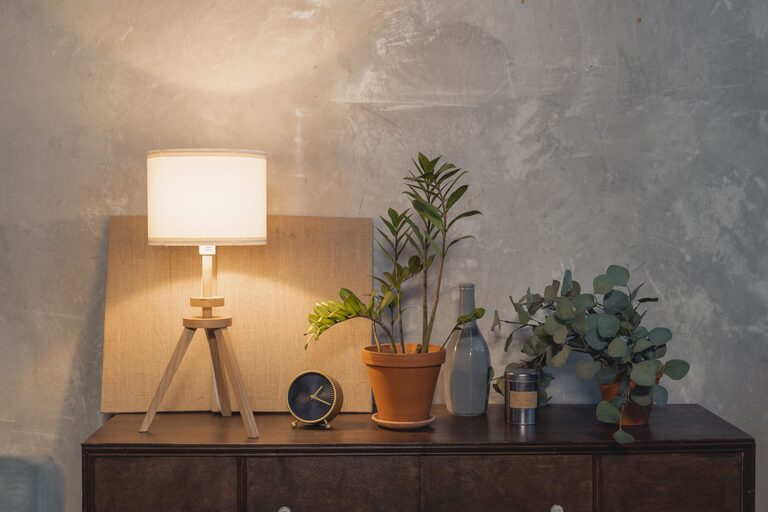
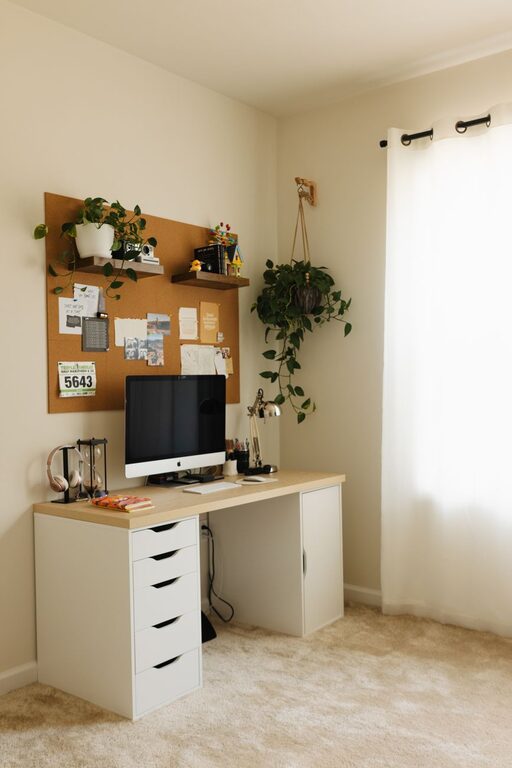
Creating a comfortable and efficient home workspace can make a big difference in how productive and motivated you feel throughout your workday. Whether you’re working remotely full-time or occasionally from home, designing an environment that fosters focus and comfort is essential. In this post, we’ll explore practical tips to help you create a cozy and productive space that suits your needs.
Choose the Right Location
Your workspace location plays a critical role in productivity.
– Find a Quiet Spot: Select an area with minimal distractions, away from high-traffic parts of your home whenever possible.
– Natural Light: Position your desk near a window to take advantage of natural daylight, which can improve mood and energy.
– Separate Work and Leisure: Avoid working in places associated with relaxation, like your bed or couch, to help maintain clear boundaries between work and home life.
Invest in Ergonomic Furniture
Comfort is key for maintaining focus over long periods.
– Ergonomic Chair: Opt for a chair that supports good posture with adjustable height and lumbar support.
– Desk Height: Make sure your desk allows your arms to rest at a comfortable angle, typically around 90 degrees.
– Monitor Placement: Position your monitor at eye level to reduce neck strain.
Organize Your Space
A clutter-free environment enhances concentration and reduces stress.
– Use Storage Solutions: Shelves, drawers, and organizers keep essentials within reach without creating mess.
– Keep Only What You Need: Clear your workspace of unnecessary items.
– Cable Management: Use clips or sleeves to keep cords tidy and out of the way.
Add Personal Touches
Incorporate elements that make the space inviting and inspire creativity.
– Plants: Small indoor plants can improve air quality and provide a sense of calm.
– Artwork or Photos: Display images that motivate you or bring joy.
– Comfort Items: A cozy blanket or soft cushion can add warmth without becoming a distraction.
Control Lighting and Temperature
Proper lighting and temperature regulation contribute to comfort and focus.
– Layered Lighting: Combine natural light with task lighting such as desk lamps to reduce eye strain.
– Adjustable Temperature: Use a fan, heater, or thermostat settings to keep the space at a comfortable temperature.
Minimize Noise Distractions
Noise can significantly impact productivity.
– Noise-Canceling Headphones: Great for blocking out background sounds.
– White Noise or Soft Music: Some people find ambient sounds helpful for concentration.
– Soundproofing: Consider rugs, curtains, or acoustic panels to absorb noise.
Establish Daily Routines
A consistent routine helps set the tone for productive work.
– Set Regular Hours: Define work start and end times to create structure.
– Take Breaks: Brief breaks can refresh your mind and improve focus.
– Designate Workspace Usage: Use your workspace only for work purposes to reinforce habits.
Utilize Technology Wisely
The right tech setup enhances efficiency.
– Reliable Internet: Ensure you have a strong and stable internet connection.
– Useful Apps: Task managers, calendar apps, and communication tools keep you organized.
– Dual Monitors: Additional screen space can boost productivity if your work benefits from it.
Keep It Flexible
Your workspace should evolve as your needs change.
– Adjustable Furniture: Desks that allow you to switch between sitting and standing can promote better health.
– Rearrange as Needed: Don’t hesitate to change your setup to improve comfort or functionality.
—
Creating a cozy and productive home workspace doesn’t require a large budget or a perfect room. Focus on what helps you feel comfortable and focused, and keep adjusting your space as you learn what works best for you. With these tips, you’re well on your way to making your home office a place where you can thrive.
About the Author