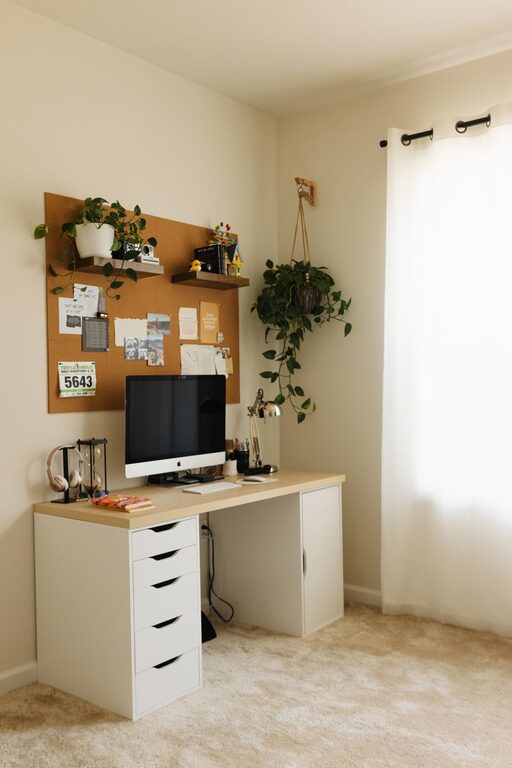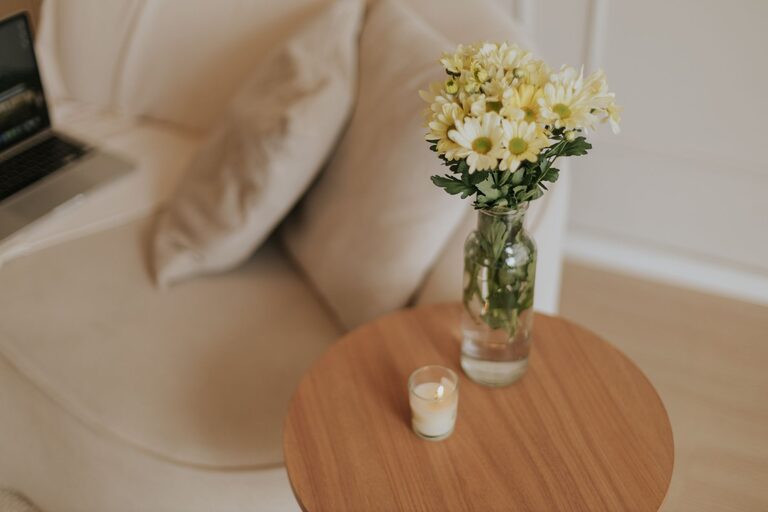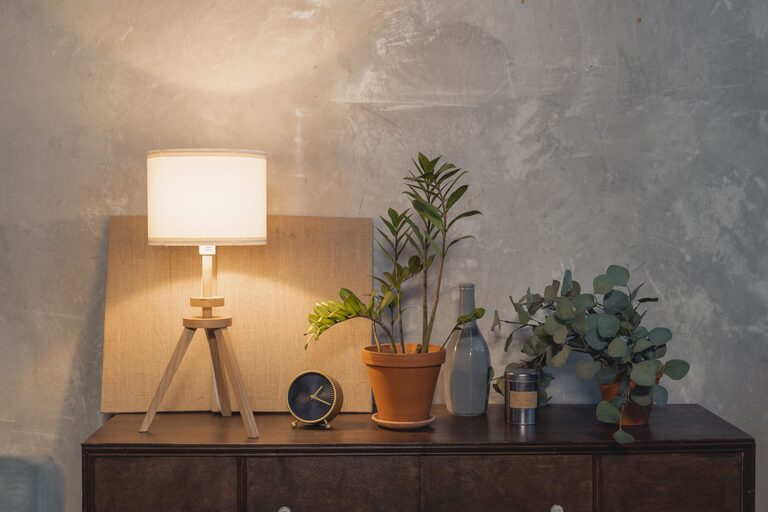
Having a clutter-free home office space can make a big difference in your productivity and overall well-being. When your workspace is organized, you can focus better, reduce stress, and create a more enjoyable environment to work in. Whether your home office is a dedicated room or a small corner of your living space, these simple tips will help you achieve a neat and efficient setup.
Why a Clutter-Free Home Office Matters
Clutter can cause distractions, slow you down, and even affect your mood. By keeping your office space tidy, you create a sense of calm and order that supports concentration and creativity. Plus, an organized workspace makes it easier to find what you need, saving you time and frustration.
1. Start with a Clean Slate
Before you begin organizing, take some time to clear everything off your desk and out of your drawers. Sort through papers, supplies, and gadgets, and decide what you really need. Keep only the essentials and remove anything that doesn’t belong in your workspace.
2. Use Smart Storage Solutions
Having the right storage can make all the difference. Consider the following options:
– Desk organizers: Use trays, pencil holders, and small bins to keep frequently used items handy.
– Shelving units: Install shelves near your desk to store books, binders, or decorative items.
– Filing cabinets: Use a filing system for important documents to keep papers organized and out of sight.
– Drawer dividers: Keep smaller items like paper clips and sticky notes separated and easy to find.
3. Create Zones for Different Activities
Divide your workspace into clear zones based on your daily tasks. For example:
– Work zone: Your computer, monitor, keyboard, and mouse should be here.
– Supply zone: Pens, notebooks, and office supplies stored within reach.
– Reference zone: Books, files, or manuals you consult often.
– Personal zone: Photos, plants, or items that make you feel comfortable.
Organizing by zones keeps your workspace functional and prevents clutter from building up.
4. Manage Your Cables
Tangled cables can quickly make your desk look messy. Use cable ties, clips, or cable organizers to keep cords neat and out of sight. Labeling cables can also help you quickly identify devices without unplugging everything.
5. Go Digital When Possible
Reduce paper clutter by scanning documents and keeping digital copies. Use cloud storage solutions to access files from anywhere and back up your important information securely. This step not only saves space but also helps with faster searching and retrieval of documents.
6. Implement a Daily Cleanup Routine
Spend 5 to 10 minutes at the end of each workday tidying your desk. Put away supplies, file papers, and wipe down surfaces. This small habit prevents clutter from accumulating and keeps your workspace inviting.
7. Personalize Mindfully
Having personal touches in your office can boost your mood, but too many items can create distractions. Choose a few meaningful decorations that inspire you without overcrowding your space.
8. Choose Functional Furniture
Select furniture that suits your needs and the size of your space. Desks with built-in storage or adjustable shelves can help maximize your workspace. A comfortable and ergonomic chair will support your posture and comfort during long work hours.
9. Maximize Natural Light and Lighting
Position your desk near a window if possible to take advantage of natural light. Good lighting helps reduce eye strain and creates a pleasant atmosphere. Use adjustable lamps to add focused light for reading or detailed work.
10. Review and Reorganize Periodically
Your needs may change over time, so it’s important to review your office setup regularly. Set a reminder every few months to reassess what’s working, what’s unnecessary, and what could be improved.
—
By implementing these simple tips, you can transform your home office into a clutter-free, productive, and comfortable space. Remember, a well-organized environment supports a clear mind—making it easier to focus and achieve your goals. Start small, stay consistent, and enjoy the benefits of a tidy workspace every day.
About the Author